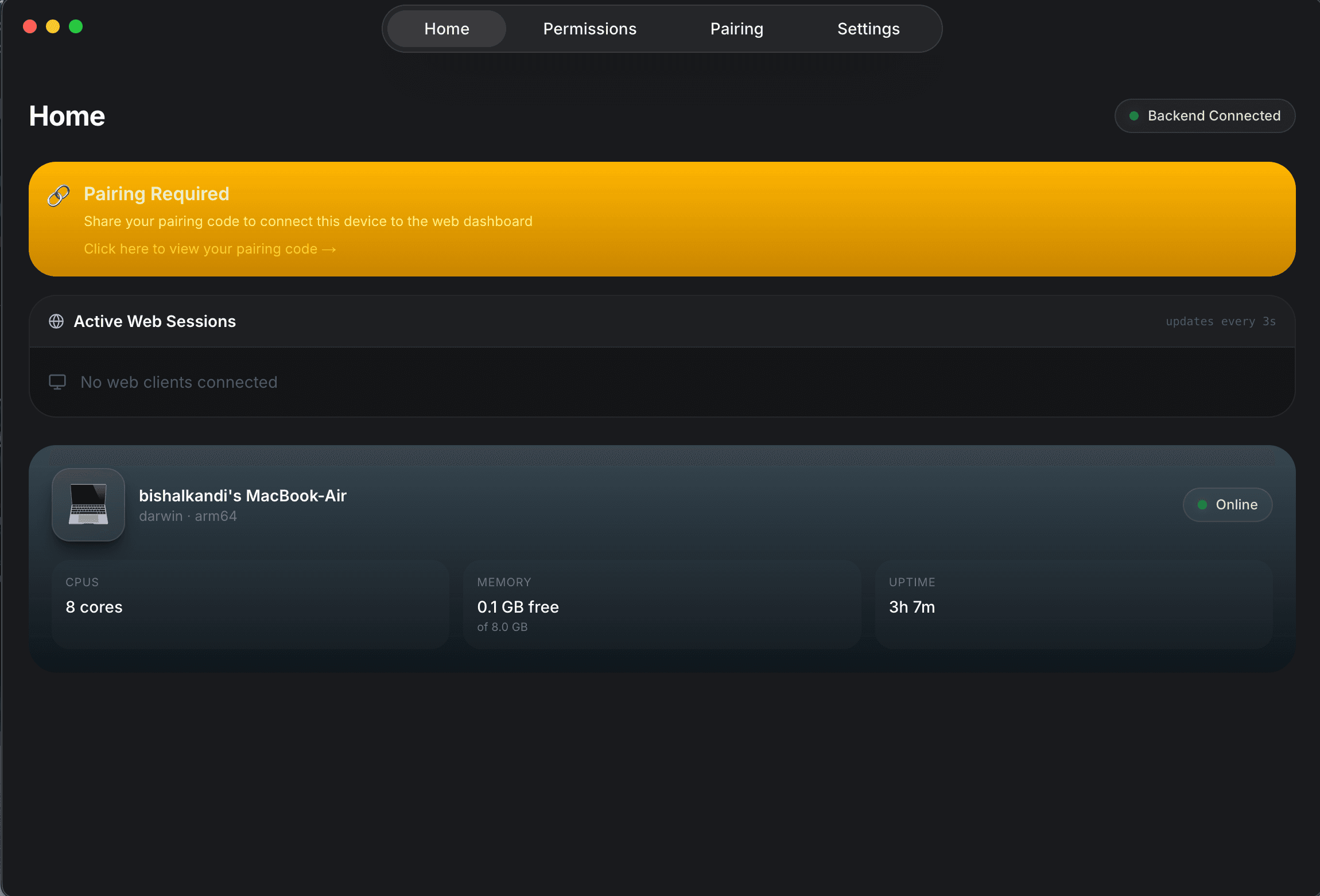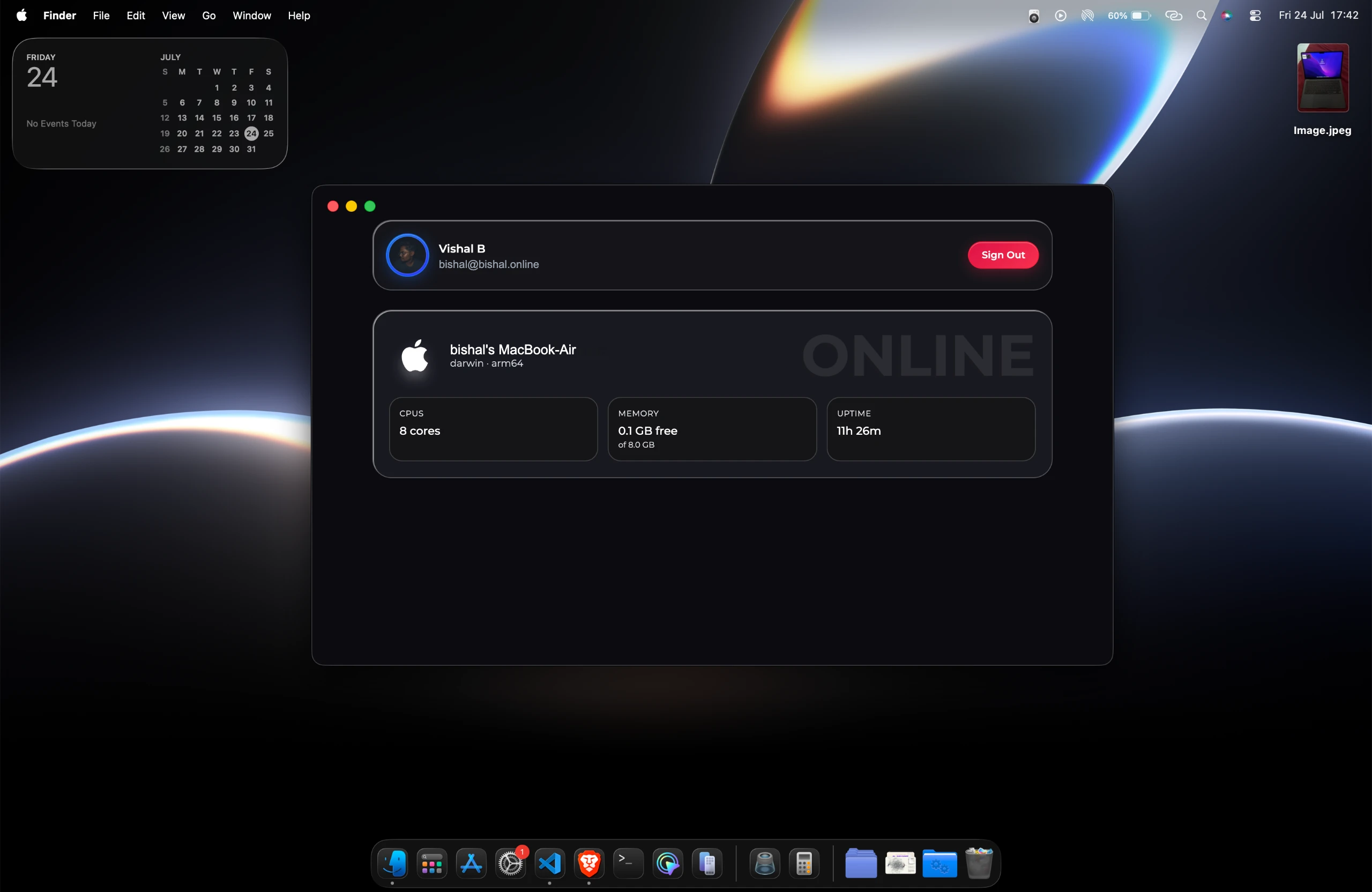
Control fully Keyboard and Mouse
Demos
Control end to end
With Secure Environment.
In your phone .
In another Pc .
Capabilities
Everything your Mac can do.
From your browser.
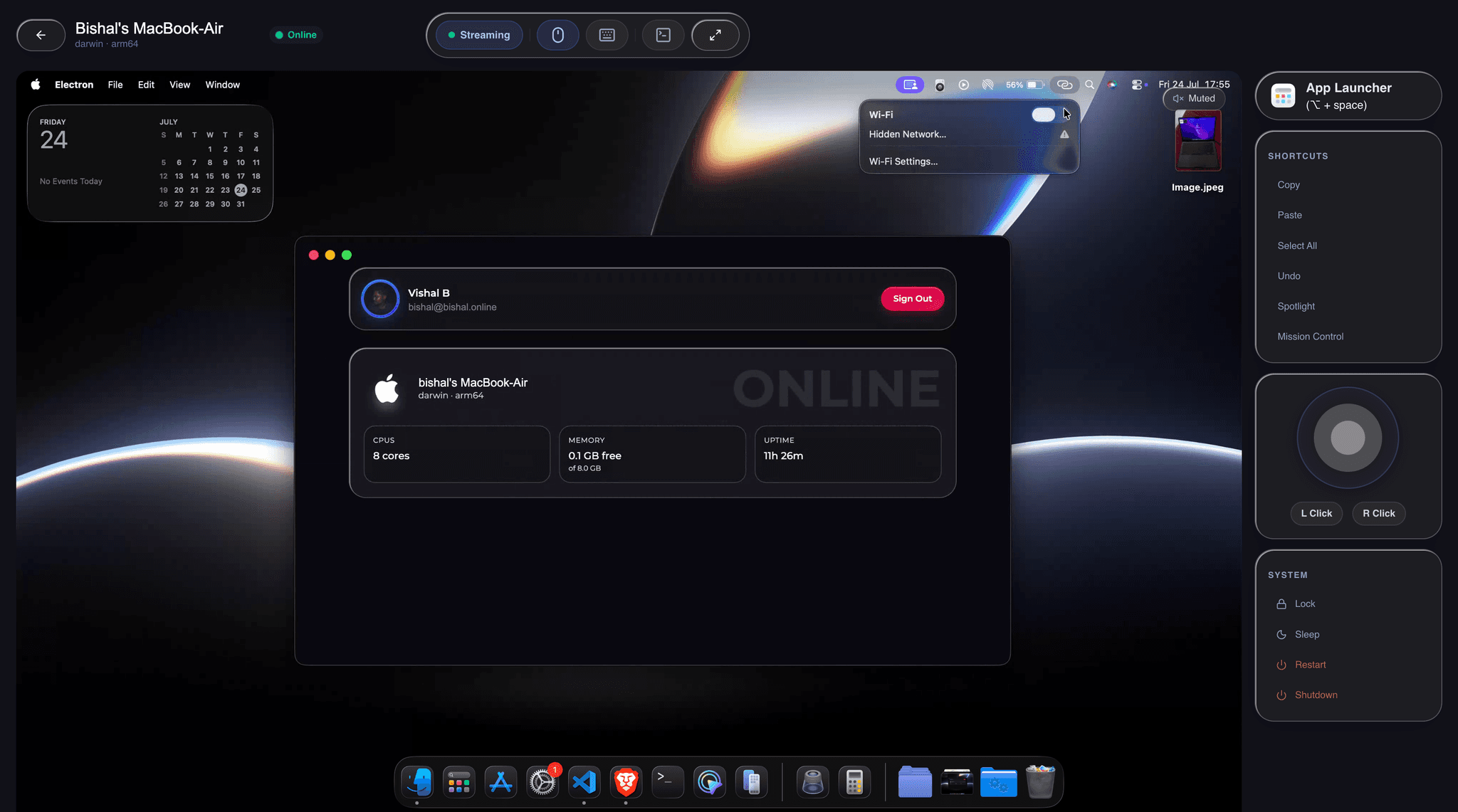
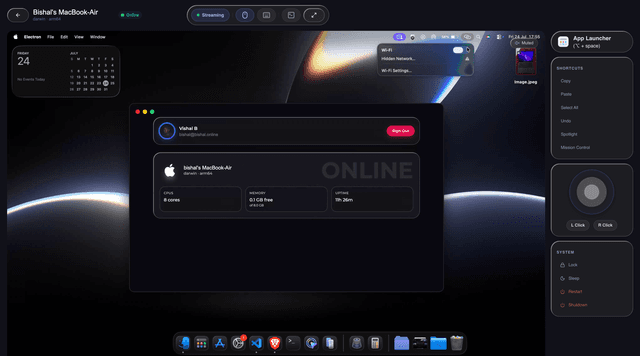
Remote Mouse & Keyboard
Full pointer control and keyboard input. Type, click, scroll — every interaction your Mac supports, delivered through the browser.
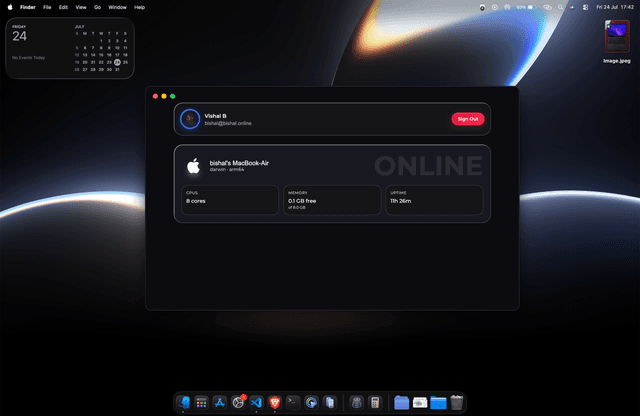
Live Screen Streaming
Real-time screen mirroring with ultra-low latency. Watch your Mac desktop update live as you work from anywhere in the world.
Launch Any App
Browse your full application library and open any app with one tap. No switching back — just click and it launches on your Mac.
End-to-End Encrypted
Every session is secured with AES-256 encryption. Your screen and inputs never leave your private tunnel.
Full Keyboard Input
Type naturally with full modifier key support — ⌘, ⌥, ⌃, and Fn combos all work as expected.
Ultra-low Latency
WebRTC-powered streaming keeps latency under 30ms on a good connection — indistinguishable from local.
Setup
Ready in 3 steps.
Install the Mac App
Download the Mac app and complete the sign-in just a few seconds.
Sign In on the Web
Open MAC in AIR in your preferred browser and sign in.
Take Control
Once the devices are paired, you can stream your Mac, click, type, and control it remotely from anywhere.
How Install on macOS
- Download the Applications If macOS blocks the application from opening.
- Open Terminal.
- Paste the command below and press Enter.
- Launch the app normally.
xattr -cr "/Applications/MAC in AIR.app" Streaming
Go live instantly.
Secure peer-to-peer connection
Stream in smooth, high-quality video at up to 60 FPS.
Voice Control
Hey Siri, one tap away.
Trigger Siri on your remote Mac instantly — no shortcuts, no keyboard needed. Just one button, from anywhere in the world.

App Library
Every app on your Mac. One click away.
Browse and launch any installed app from the web dashboard. No switching — it opens on your Mac instantly.









Security
Encrypted end-to-end.
Your stream never touches our servers.
Your Browser
Your Windows PC
Backend server
Signaling only — never sees your stream or keystrokes
Stream travels peer-to-peer · server is bypassed
Download the Mac App
Install the helper app on your Mac and you're ready to connect from any web browser in seconds. No configuration needed.
macOS 13 Ventura or later